Editor's Review
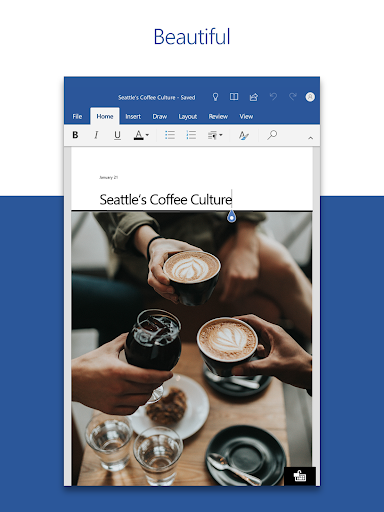
The Microsoft Word: Edit Documents app offers users the ability to create, edit, read, and share documents seamlessly on mobile devices, delivering the same power and familiarity as its PC counterpart. With a user-friendly interface, this app is perfect for writing CVs, letters, assignments, and more, making it a versatile tool for students, professionals, and creative individuals alike. Users can download the Microsoft Word: Edit Documents app for Android and iOS, granting them access to essential document management features on the go. 🚀
Features
1. Quick Start with Templates: The Microsoft Word: Edit Documents app includes modern templates for CVs, newsletters, proposals, and invoices, allowing users to jump-start their projects effortlessly.
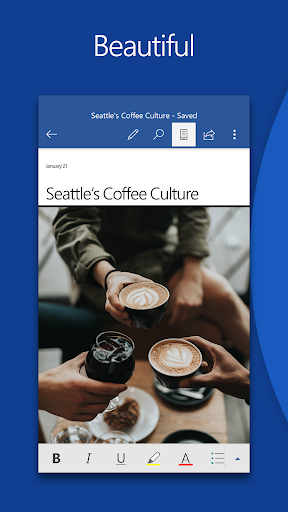
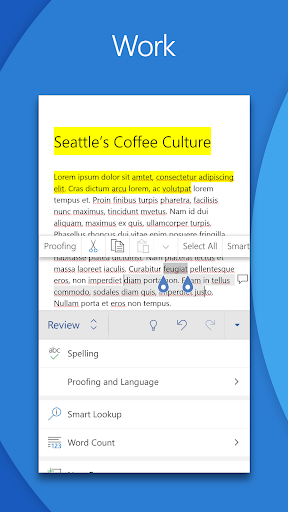
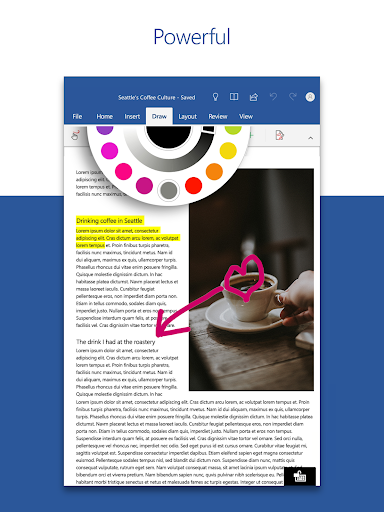
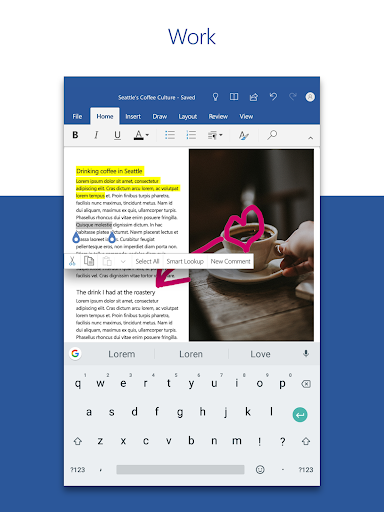
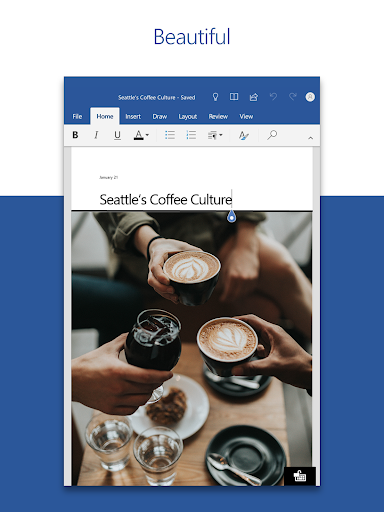
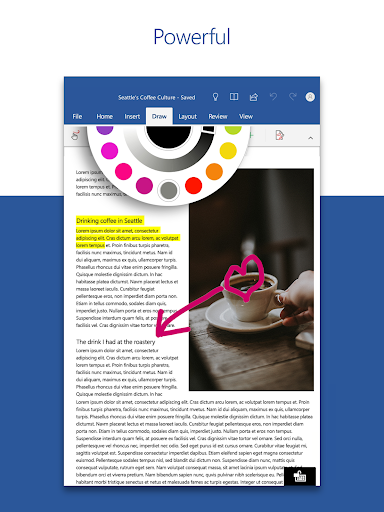
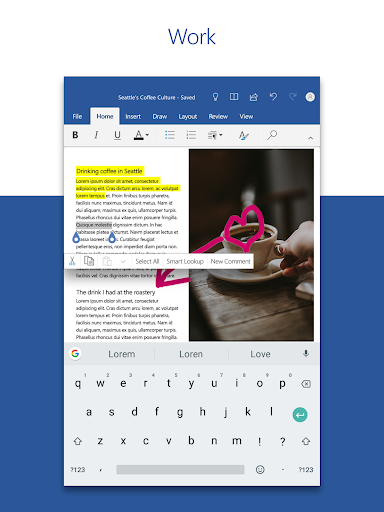
2. Comprehensive Editing Tools: Users can edit long documents using familiar formatting tools, ensuring their ideas are expressed clearly and effectively across all devices.
3. Real-time Collaboration: The app allows multiple users to collaborate simultaneously, offering features like comment sections and version history for easy tracking of changes.
4. PDF Conversion: The ability to convert PDFs into editable Word documents empowers users to make modifications without hassle, streamlining the editing process.
5. AI Assistance with Copilot: With the AI Copilot feature, users can draft, refine, and organize ideas quickly, enhancing writing clarity and impact through intelligent suggestions. 🤖
Pros
1. User-friendly: The Microsoft Word: Edit Documents app is designed for easy navigation and functionality, making it suitable for users of all experience levels.
2. Secure Sharing: Users can manage permissions and invite others to view or edit documents with just a few taps, ensuring secure collaboration.
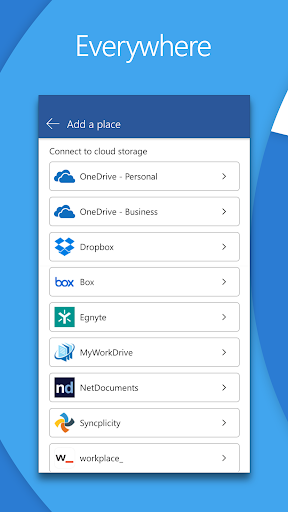
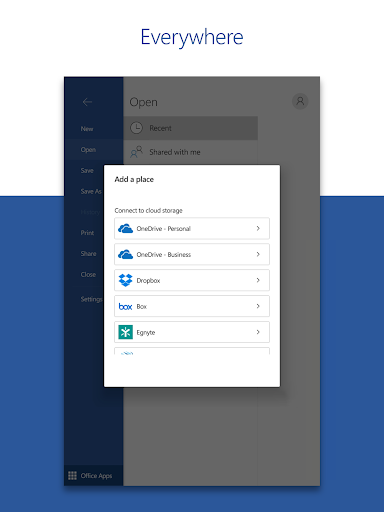
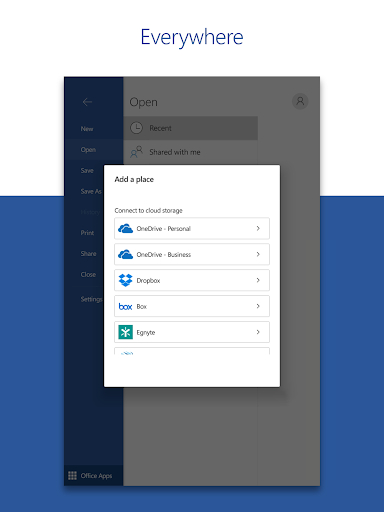
3. Access Anywhere: Since users can access their files from any device, the app supports a flexible working style that complements today's fast-paced lifestyle.
4. Free to Use: The base features of the Microsoft Word: Edit Documents app can be utilized for free, making it accessible to everyone, with optional premium features through a subscription. 🎉
Cons
1. Subscription Model: While the app offers a free version, unlocking the complete suite of features requires a paid Microsoft 365 subscription, which may deter some users.
2. Performance Requirements: The app necessitates a minimum of 1 GB RAM, which could be limiting for users with older devices. 📉