Editor's Review
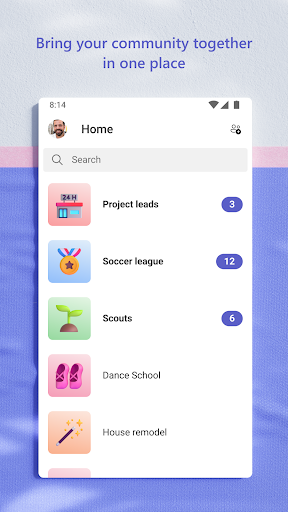
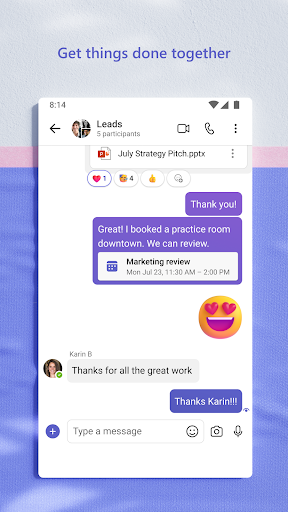
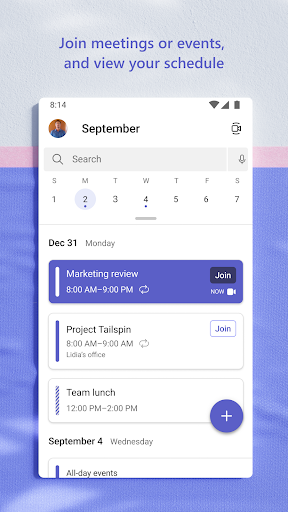
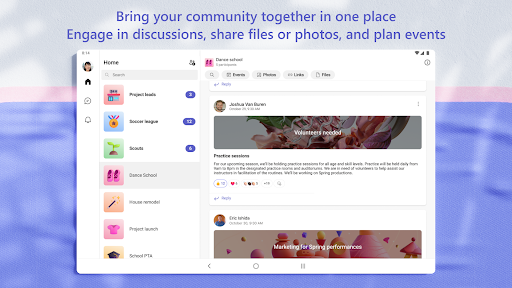
The Microsoft Teams app offers a comprehensive platform that facilitates seamless communication and collaboration among individuals and teams, regardless of their location. With the ability to connect with communities for various activities or projects, it combines features such as chats, video calls, task management, and cloud storage in one efficient space. The app not only enhances productivity but also makes it easier for users to organize their work and personal interactions in a secure environment. To start leveraging these collaborative features, users can easily download the Microsoft Teams app on any device and begin working together effortlessly! 🚀
Features
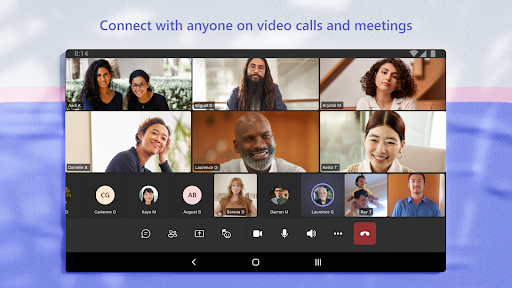
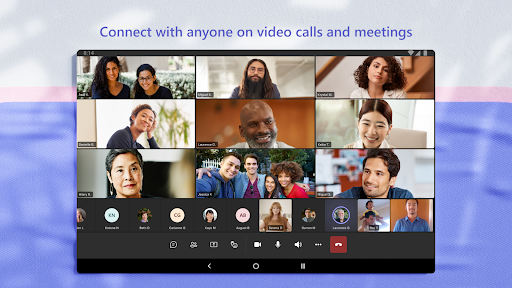
1. Secure Audio and Video Calls: The Microsoft Teams app includes integrations for audio and video calls, allowing users to meet securely with family, friends, and colleagues.
2. Cloud Storage: Easily access, share, and store files directly within the app, enhancing document collaboration across different devices.
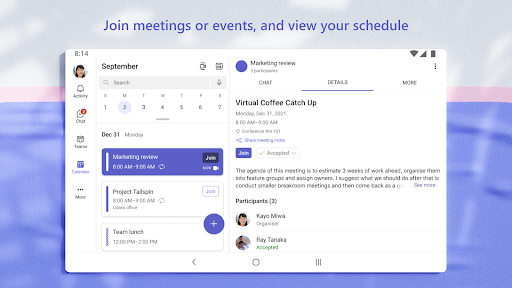
3. Task Management: Users can create task lists to prioritize their workloads, assign deadlines, and track progress, ensuring everyone stays on the same page.
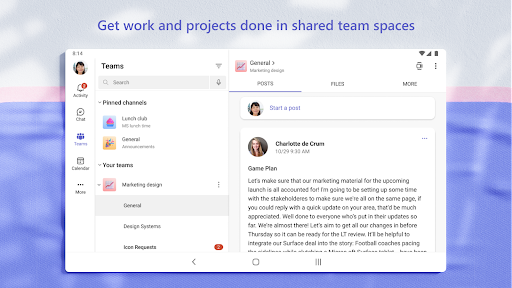
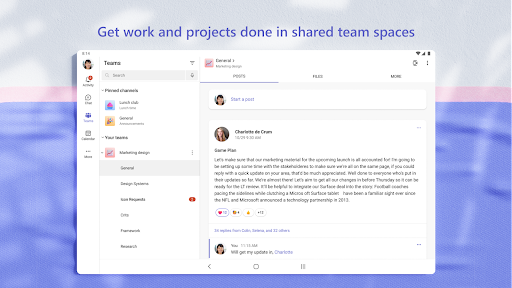
4. Organized Communication: With dedicated teams and channels, conversations can be segmented by topics or projects, making it simpler to find relevant discussions. 📂
Pros
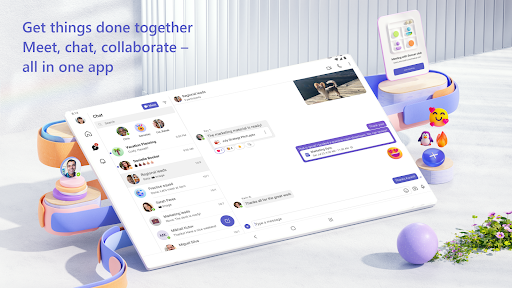
1. All-in-One Solution: The Microsoft Teams app combines multiple tools like chat, video calls, and task management into a single platform, reducing the need for multiple applications.
2. Free Access: The app is available to download for free, making it accessible for individuals and teams of all sizes, even on Android and iOS.
3. Enhanced Security: The app prioritizes user data protection while allowing secure collaboration, ensuring that sensitive information is safeguarded at all times.
4. Intuitive User Interface: With a user-friendly design, users can easily navigate through various features, making it simpler for newcomers to adapt quickly. 🎉
Cons
1. Learning Curve: Some users may encounter challenges when first using the app, especially if they are unfamiliar with collaborative tools.
2. Occasional Performance Issues: Users have reported performance lags during peak usage times, which can affect real-time collaboration experiences. 📉